Accessibility checkers
are focussed on user experience, especially for people with disabilities. Is the content perceivable, operable, understandable and robust?
Use Axe, IBM Equal Access, HTML Codesniffer, Sa11y or QualWeb.




Read more about open source accessibility checkers
HTML Validators
focus on following HTML specifications. Valid HTML is important, it eliminates the freedom browsers take to interpret the HTML on their own and eliminates bugs and inconsistencies.Use HTML-Validate and-or W3C Nu HTML Validator.


Besides testing a url with open source testing tools,
the following manual checks
can be performed:- Filter and zoom in on content with specific attributes to check if they make sense.
- Screenshot the webpage without CSS, in high contrast mode, zoomed in, and with emulated vision deficiencies.
- Watch a video of the taborder.
- Have the content read out loud, somewhat like a screenreader.
Content accessibility

Help, its not working!
This tool uses a headless browser to visit a website and analyzes its content and HTML. Some websites don't like automated visitors. This is often a sign of a webscraper trying to scrape content or bot doing some potential malicious stuff.
Websites that are blocked -or- that have rules that block injecting scripts, cannot be tested with this tool.
Allow/whitelist the url of this tool to visit your website, change the CSP, and try again. Sorry for now.
A/B test running on the page can cause errors or differences between different tests in the same run.
A/B test running on the page can cause errors or differences between different tests in the same run.
There can only be one test running at the same time. Consecutive tests will be added to a queue.
If you don't see a message that you have been added to the queue come back another time.
Examples
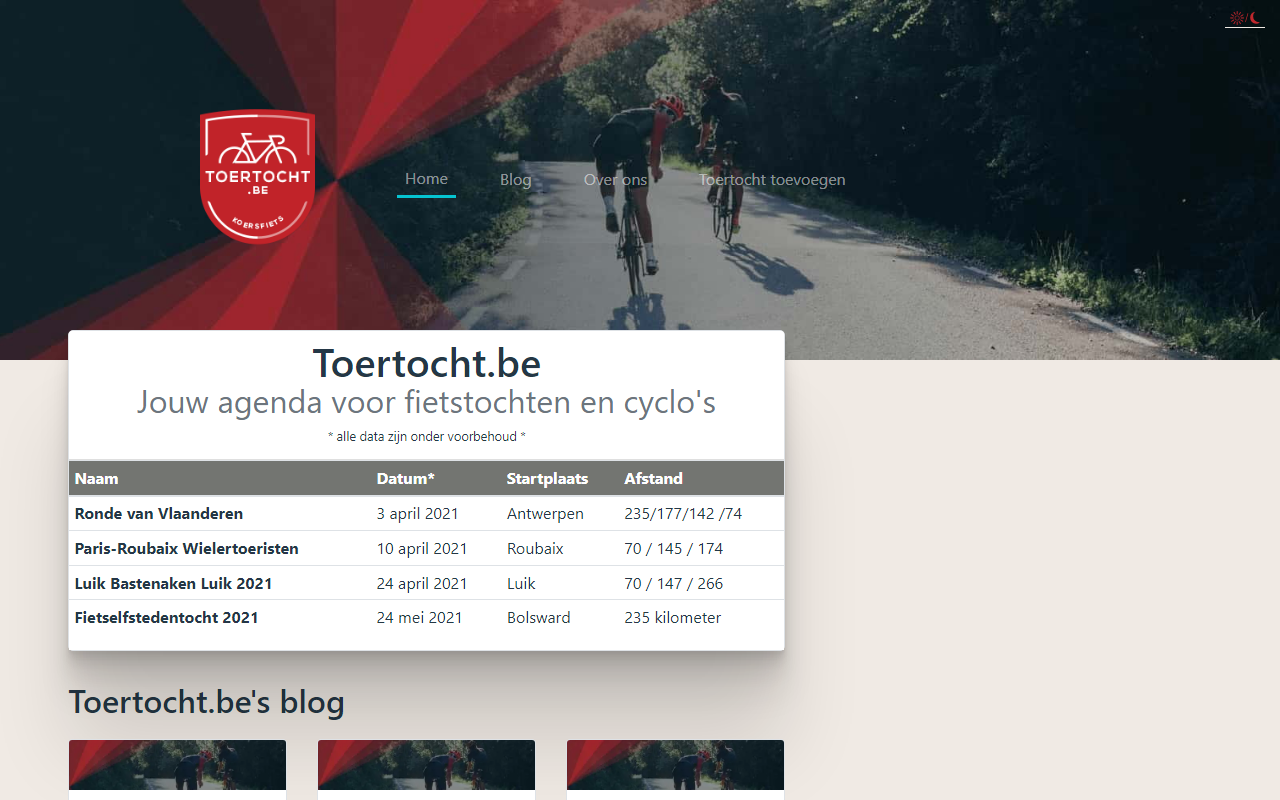
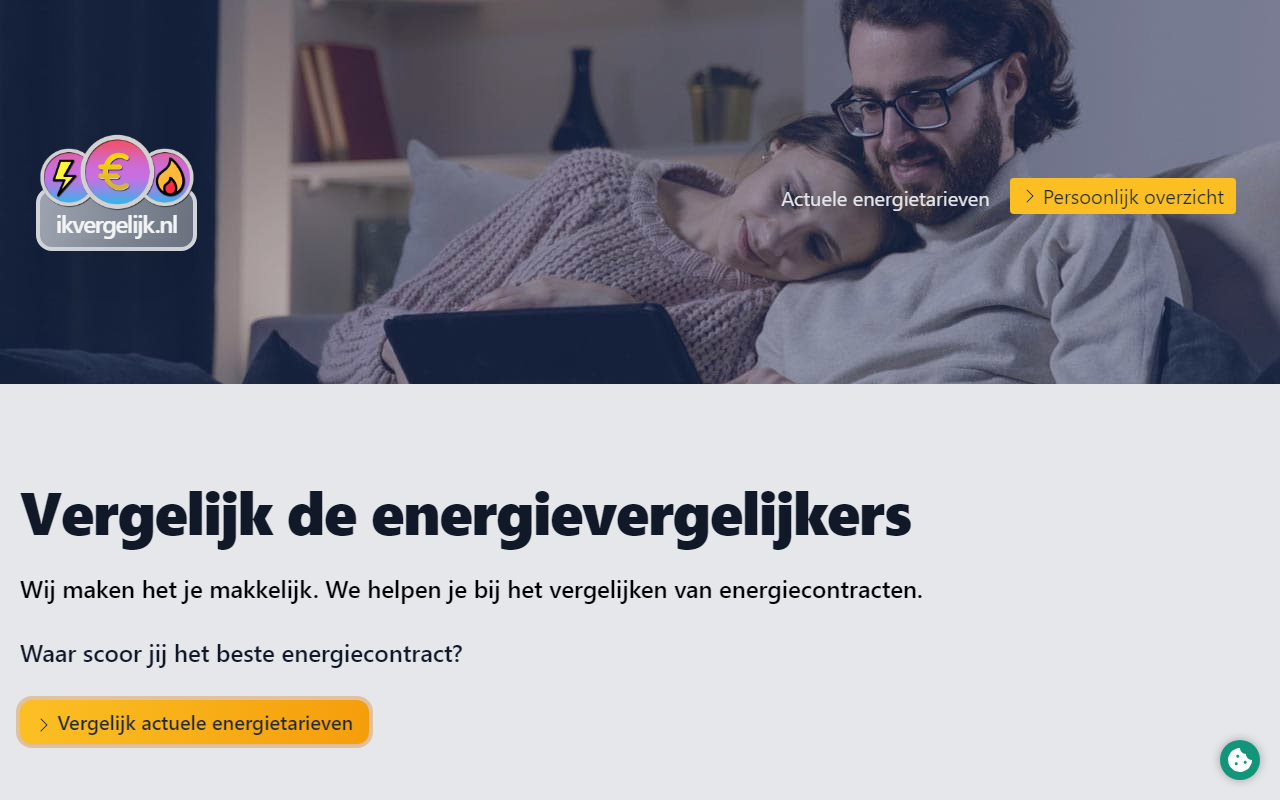
Who uses this?
- Frontend developers
They check results for different accessibility scans and html validators. - Content people
They check the 'content' accessibility results. See if headings are logically ordered. If relevant images have alt-text, if links have text that you understand. - Designers
They use the color contrast checker and vision deficiency screenshots. - Testers
They use all above + screenshots + video